

Tickets
Complaints and maintenance, tracked from open to done — most of them opened by the product rather than by you.
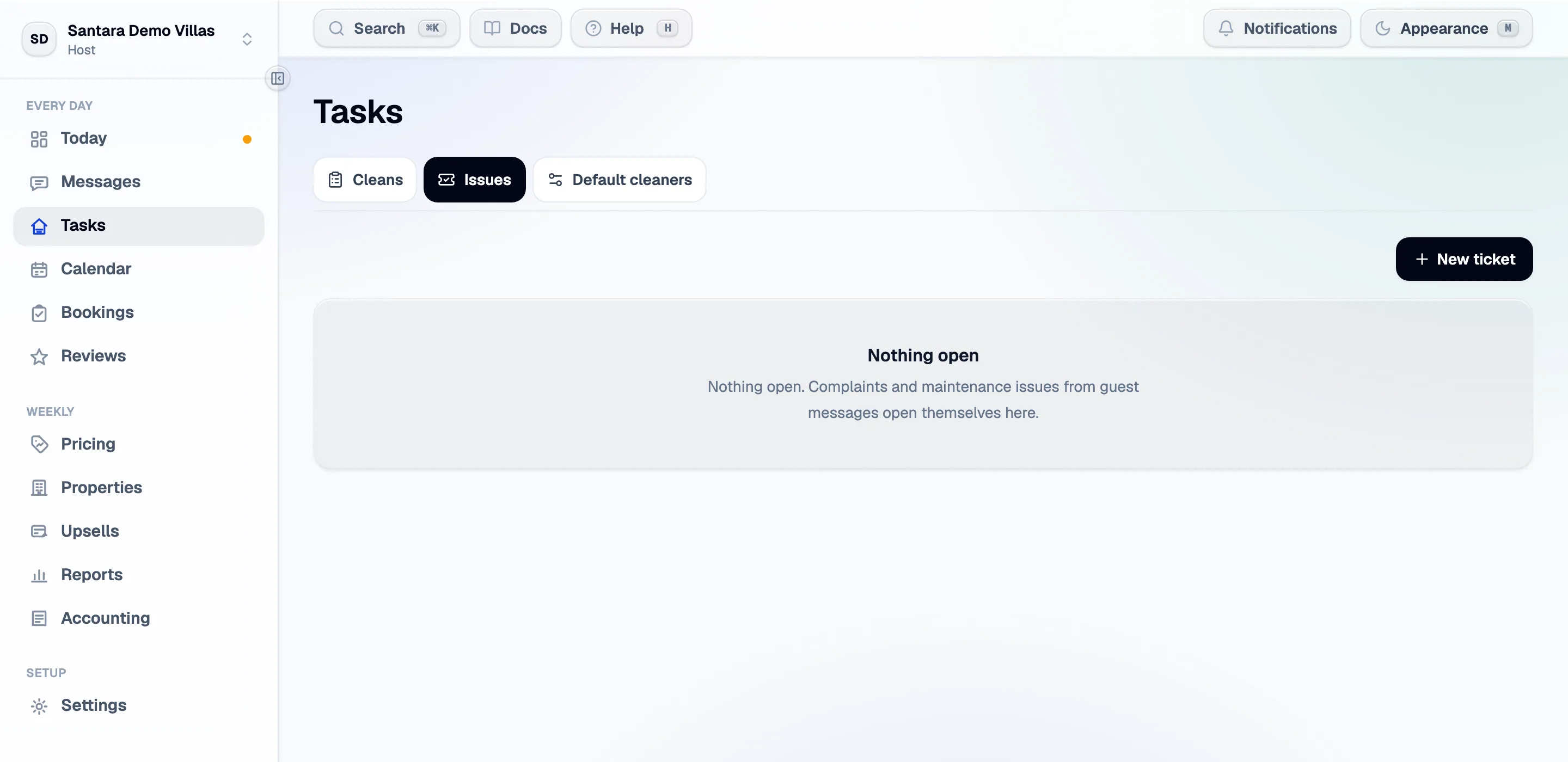
A ticket is anything that needs fixing or chasing: a broken air-conditioner, a guest complaint, a supplier to call. They sit beside cleans on Tasks, and they have their own screen when you want the whole list.
Tickets are internal. Guests never see one, even the ones opened from their own message.
They open themselves
Section titled “They open themselves”Most tickets are not created by a person. A guest message that reads as a complaint or a maintenance problem opens one automatically, linked back to the thread and the property — so the fix is tracked somewhere other than a conversation that scrolls away.
Three rules keep that from becoming noise:
- One thread, one ticket, ever. However many times the classification runs, a conversation that already produced a ticket never produces a second.
- Only the last fortnight. A thread nobody has touched in two weeks is history, not a job.
- No flood on day one. Connecting a year of message history does not open three hundred tickets — only the recent ones somebody can still act on.
You can also create one by hand, from this screen or by selecting dates on the calendar.
Working one
Section titled “Working one”Open a ticket for the whole record:
| Status | Open through to done |
| Assignee | A teammate. They get a notification when it lands on them, and another when it is finished |
| Property and room | Carried from the message it came from |
| The guest thread | A link back to the conversation, so you can reply without losing the context |
| Photos | Evidence, before and after |
| Schedule | A date range — see below |
Scheduling puts it on the calendar
Section titled “Scheduling puts it on the calendar”Give a ticket a date range and it is drawn on the calendar as a striped block across those nights. A two-day repair then sits visibly against the bookings around it, which is the point: you can see whether it collides with an arrival before you commit to it.
It does not block the nights on its own. If the room genuinely cannot be sold, close the dates in the calendar as well.
The AI resolution plan
Section titled “The AI resolution plan”Ask for a plan and you get a likely cause and a step-by-step fix, generated from the ticket, the property and its history. It is a starting point for whoever does the work — particularly useful for handing a job to someone who has not seen that building before.
It drafts. It does not order parts, message the guest, or close the ticket.
How long closed tickets stay on the board
Section titled “How long closed tickets stay on the board”Open tickets always show. Done and cancelled ones stay on the board for 30 days after their last update, then drop off it so the board stays about current work. Nothing is deleted: the ticket and its history are still there.
Who can see them
Section titled “Who can see them”Tickets follow the same capability rules as everything else. A member without ticket access is told so plainly rather than shown an empty list they would report as broken. If you believe you should have access and do not, ask an owner or manager on the workspace.
For AI tools: this page as markdown · llms.txt · llms-full.txt