

Finding things
The search palette, and the walkthrough that shows you where everything is.
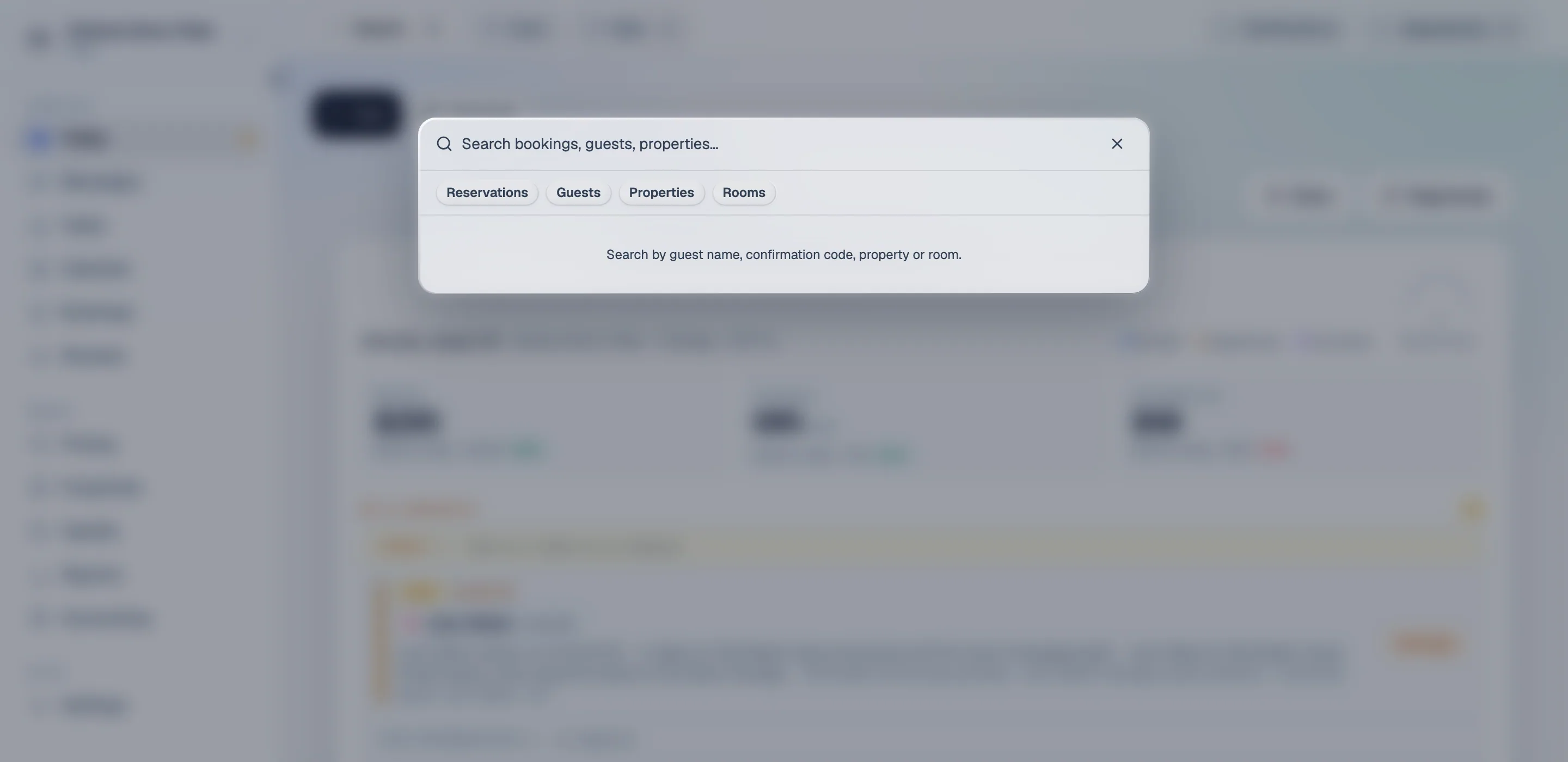
Search — ⌘K
Section titled “Search — ⌘K”Press ⌘K (or Ctrl+K) anywhere in the product. Search covers four things:
| Find it by | |
|---|---|
| Reservations | Guest name, confirmation code, dates |
| Guests | Name, email, phone |
| Properties | Name, city |
| Rooms | Name, or the property they are in |
Results carry enough context to pick the right one without opening it — a reservation shows its dates and status, a room shows its building. Dates and statuses are shown in your language, not the database’s.
It is the fastest way into a specific stay when a guest phones. Confirmation code, enter, done — faster than the bookings feed, which is built for scanning rather than looking one thing up.
The walkthrough
Section titled “The walkthrough”A new workspace offers “Show me around” — around twenty short steps that point at each part of the product and say what it is for, grouped into chapters: getting oriented, every day, every week or so, going live, and where to get help.
- Stop whenever you like. It picks up where you left off, and the resume pill tells you which chapter you are in rather than “step 11”.
- “Don’t show me this again” means it. You will not be asked a second time.
- Restart it from the setup steps on Properties or Settings → Channels.
It adapts to you. Steps for screens your role cannot open are skipped rather than walking you into a refusal, and steps for setup you have already done do not appear. Parts of the product your plan does not include are still shown, with a lock — you can see what is there without being sold at mid-sentence.
The setup checklist
Section titled “The setup checklist”Separate from the walkthrough, and the thing to actually follow first: three steps from an empty workspace to live on your channels, tracked as you go.
It sits at the top of Properties and Settings → Channels until it is done. Not selling on Airbnb or Booking.com? It offers the manual path instead — see Properties and rooms.
When you still cannot find it
Section titled “When you still cannot find it”- Ask the assistant — it can read your workspace, so “which room is Mai Nguyen in” is a fair question.
- Search these docs, top of any page.
- Contact support from inside the product.
For AI tools: this page as markdown · llms.txt · llms-full.txt