

Getting Started & Login
Your first touchpoint with Santara AI. How to log in, manage your account, and handle security errors.
The Santara AI Mobile app brings the full operational management power of Santara AI to your phone. It focuses on handling day-to-day scenarios like check-ins, guest messaging, cleaning, and issue resolution.
1. Logging into the System
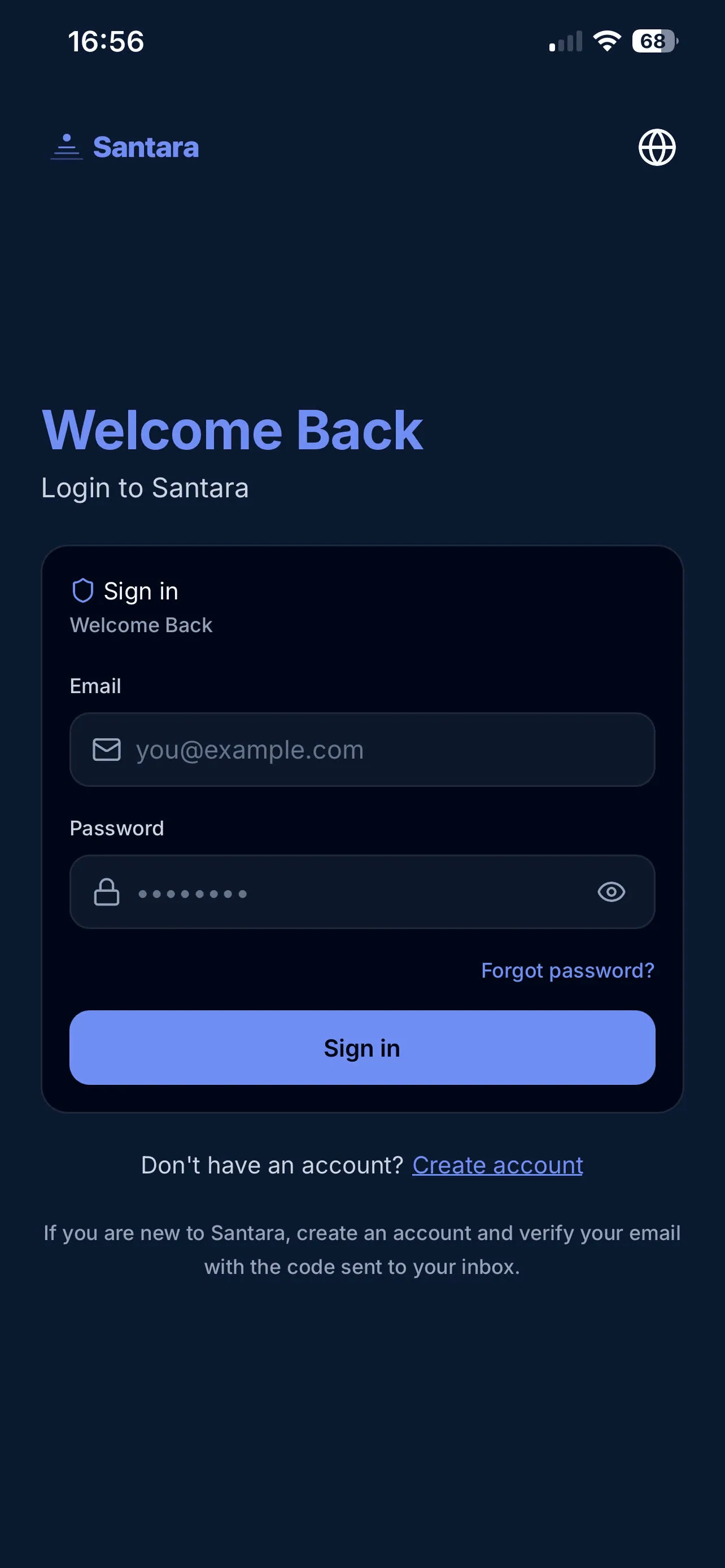
Section titled “1. Logging into the System”This is your first touchpoint when opening the app. On the Login screen, you can perform the following tasks:
- Log in: Enter your Email and Password to access your workspace.
- Show/Hide password: Tap the “Eye” icon in the password field to check the information you just entered.
2. Forgot Password (Recovery)
Section titled “2. Forgot Password (Recovery)”If you cannot remember your password, tap the “Forgot Password” link right below the login button. The system will take you to the Password Recovery screen. Simply enter your email, and an OTP or link will be sent to your inbox to set a new password.
3. Registering a New Account
Section titled “3. Registering a New Account”If you don’t have an account or have been invited to a new system:
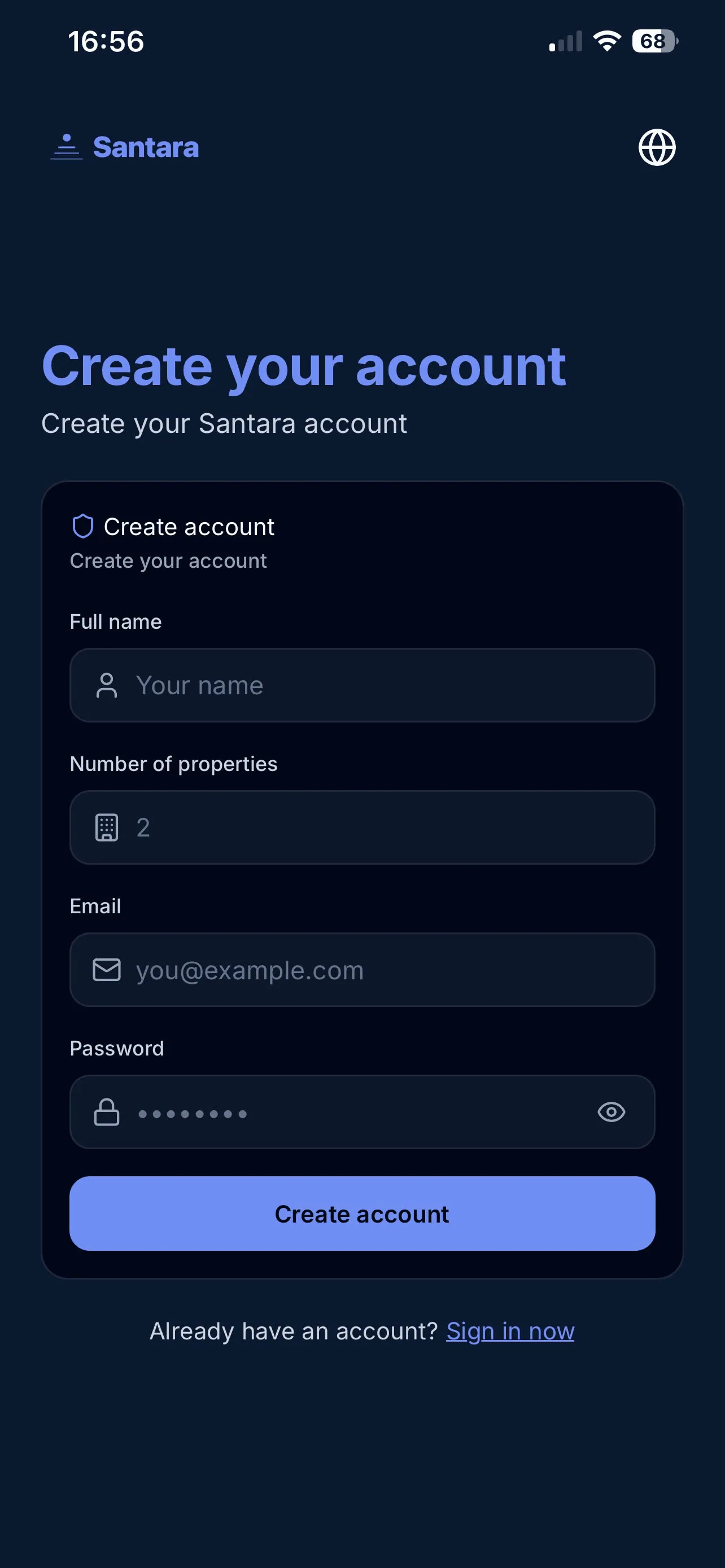
- Tap “Create Account” on the login screen to go to the registration flow.
- If you were invited via email, tap the link in the email. The system will guide you through an email OTP verification flow to ensure maximum security.
4. Handling Security States
Section titled “4. Handling Security States”The system is designed to protect your business data. If a login attempt fails, the app will display specific errors so you know how to proceed:
- Incorrect information: Warning when the email or password does not match.
- Email not verified: Prompts you to check your inbox and tap the verification link before you are allowed to log in.
- Account Locked: If you enter the wrong password too many times, the system will temporarily lock your account for protection. You’ll need to wait or follow recovery instructions.
5. Feature Overview (Onboarding)
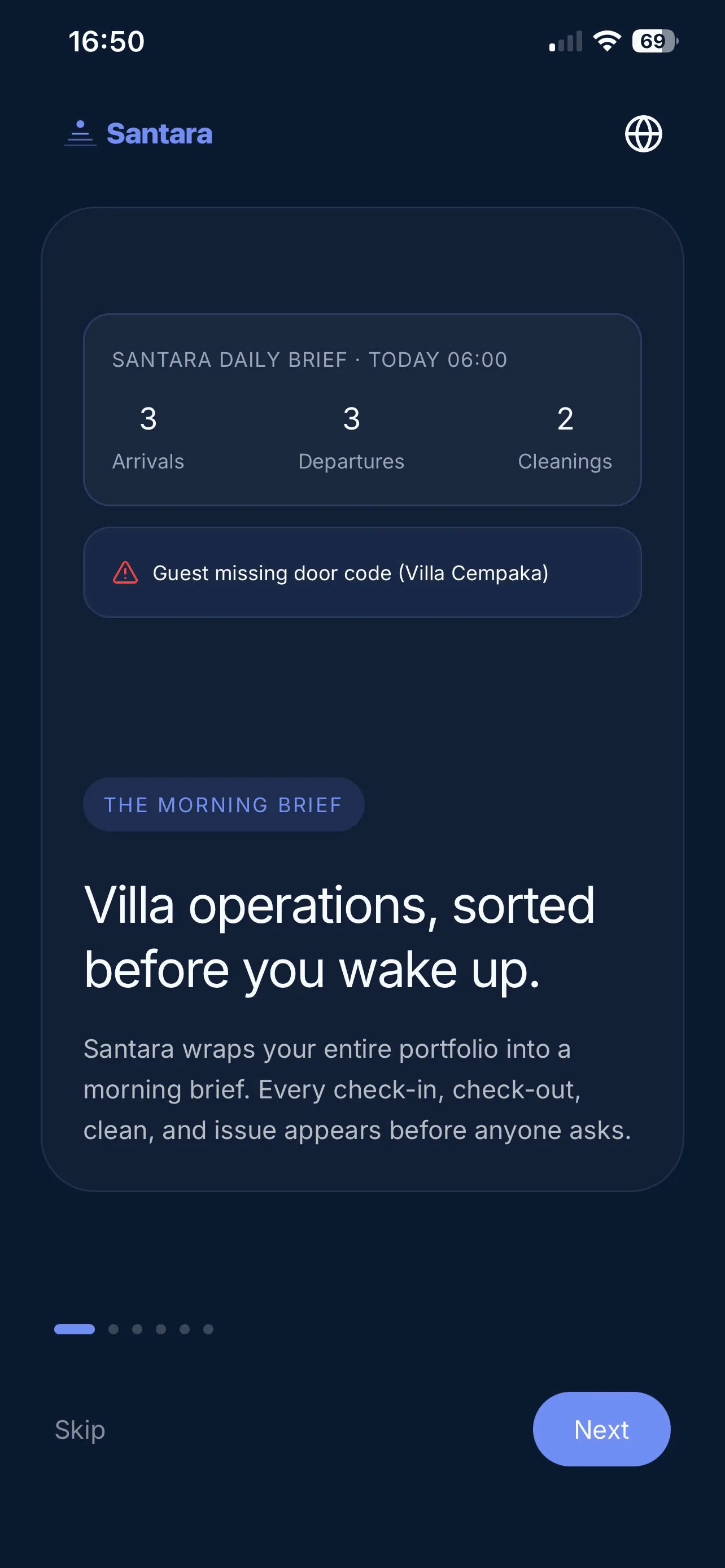
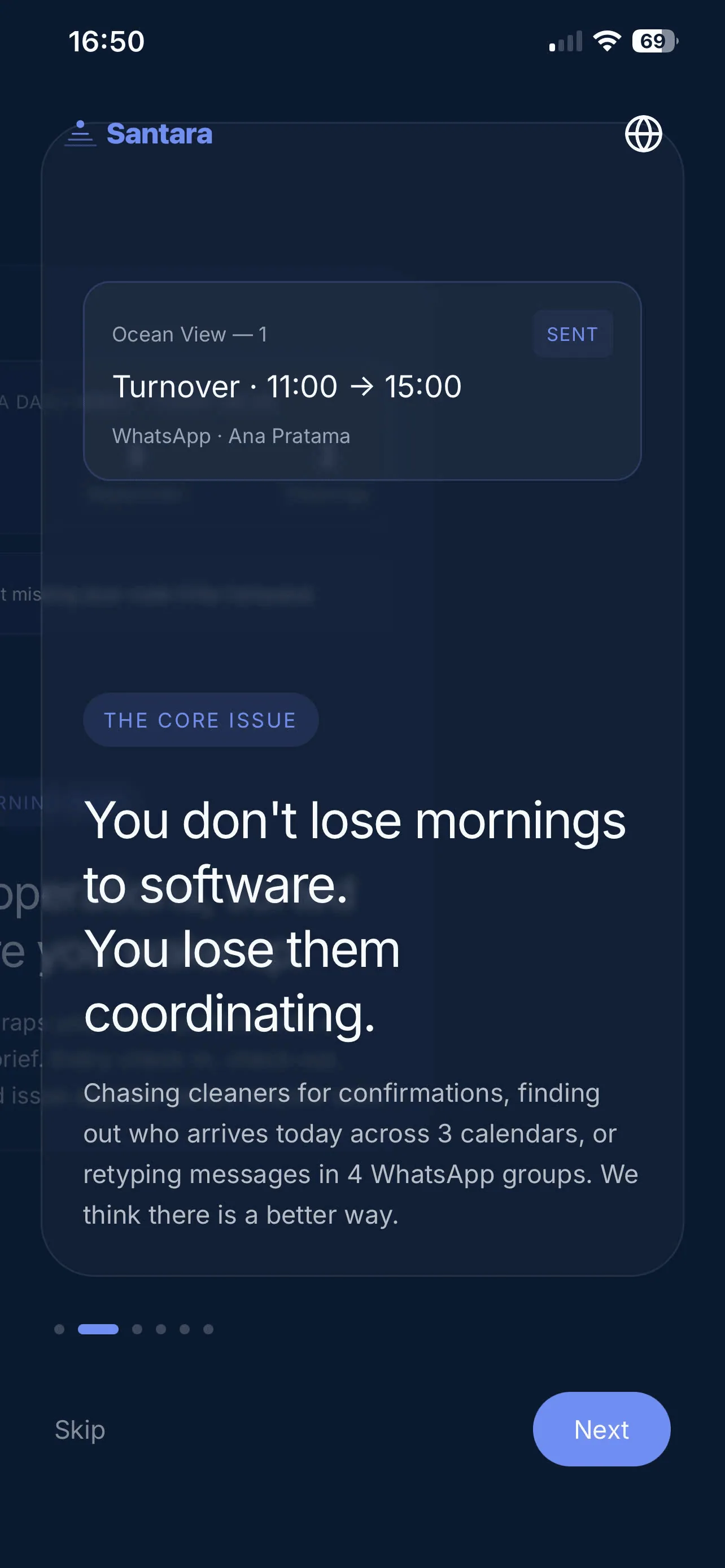
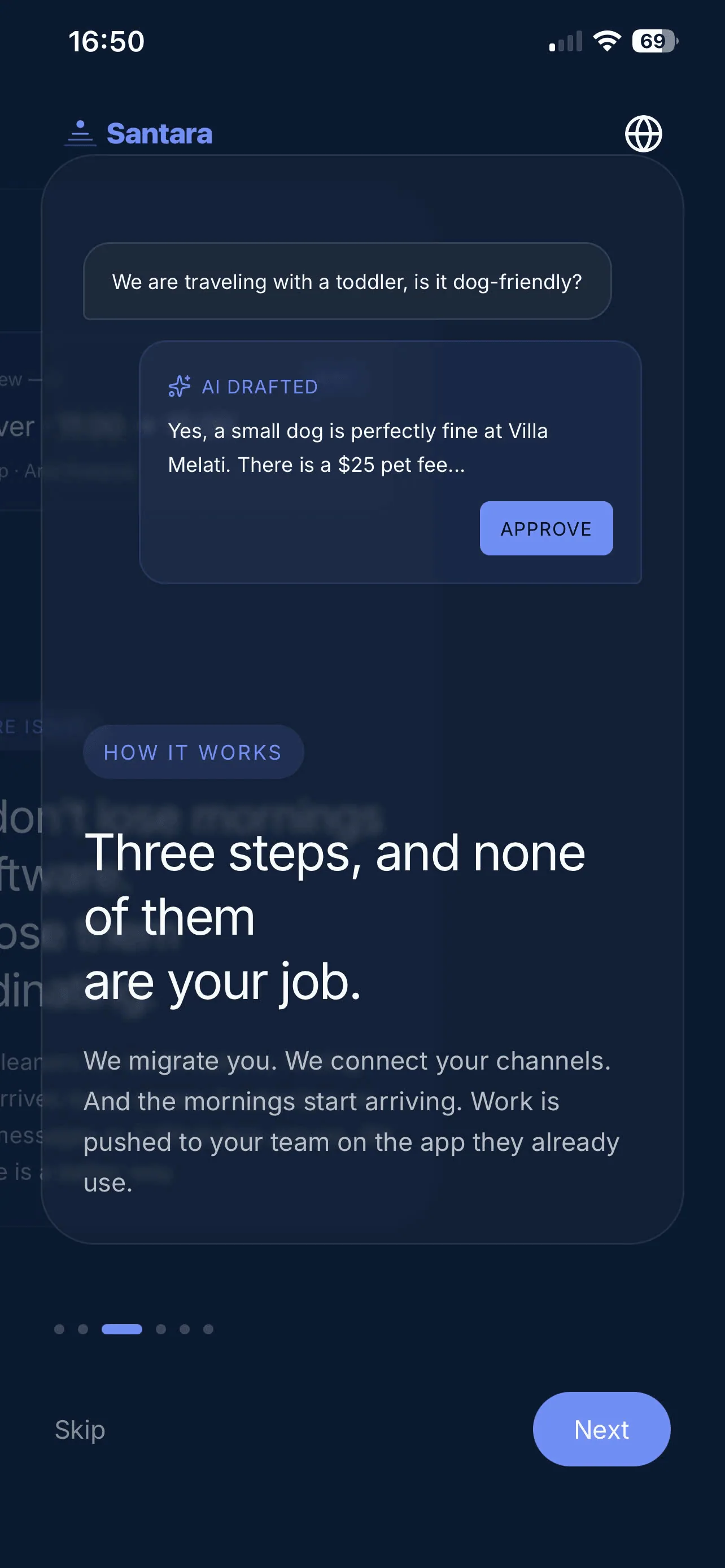
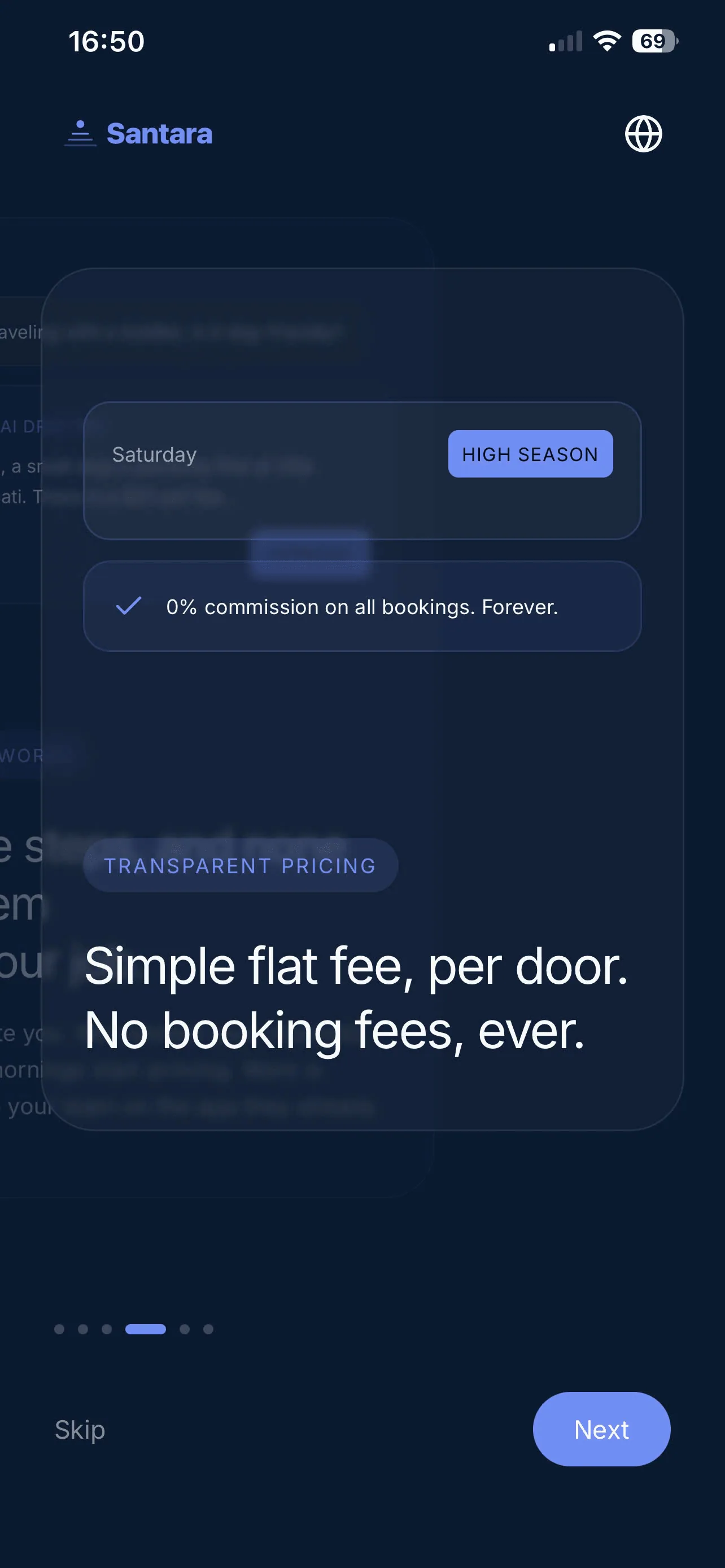
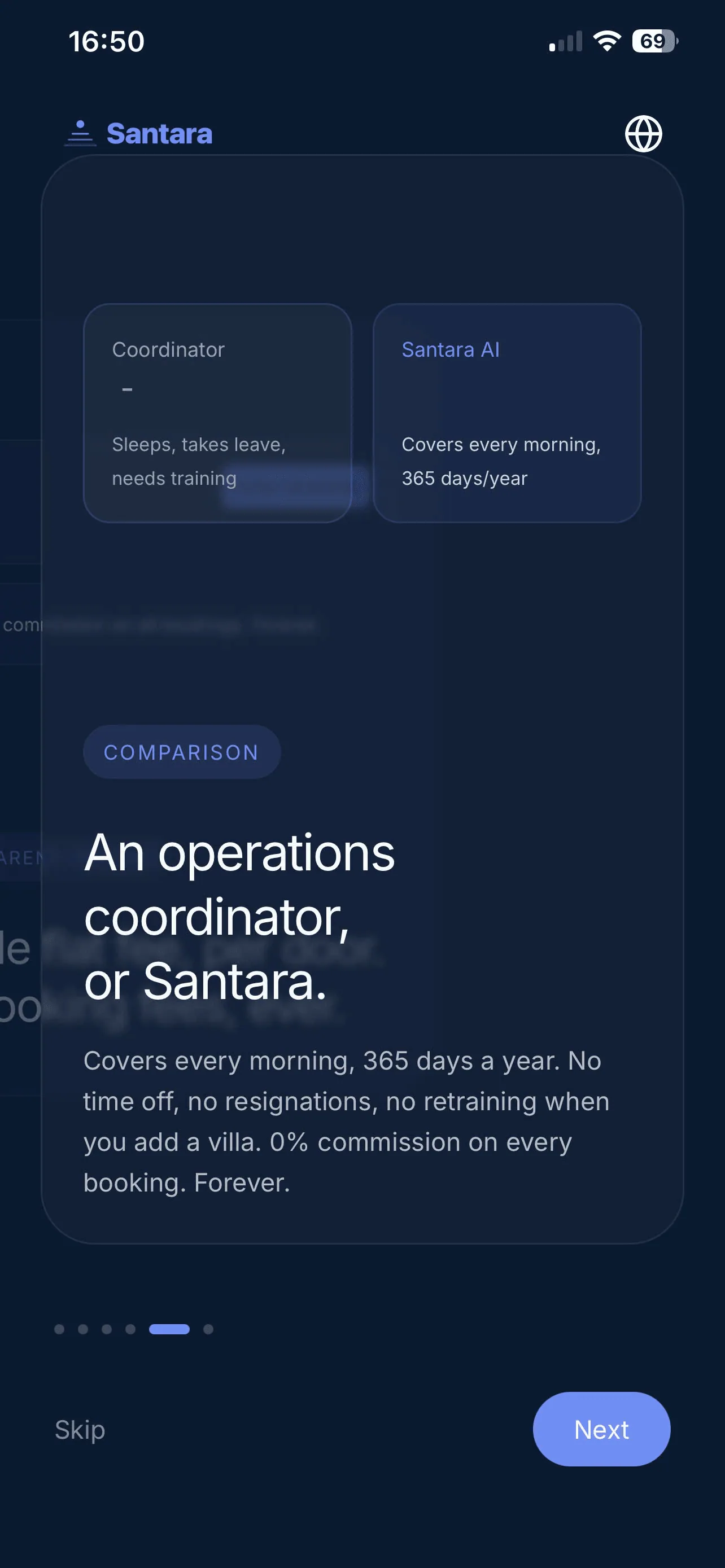
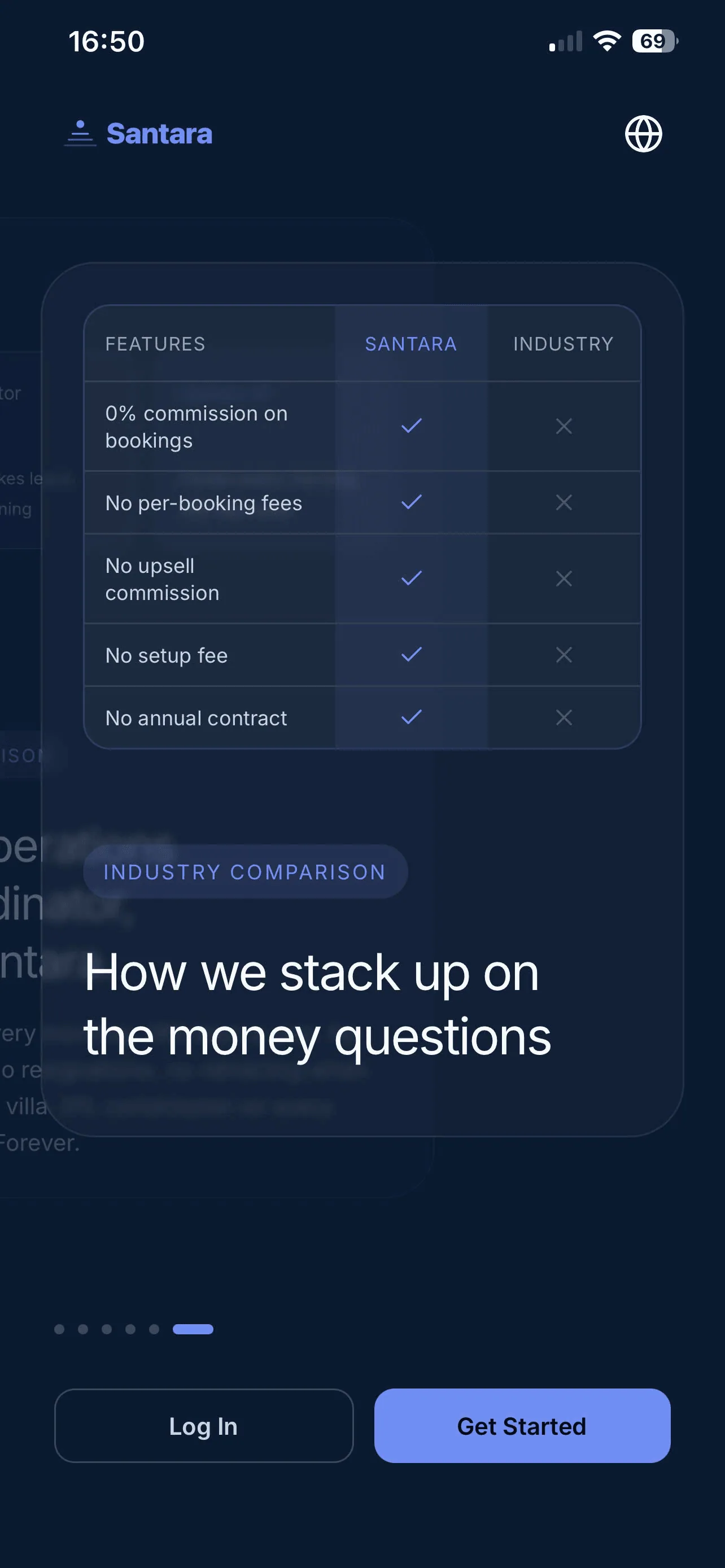
Section titled “5. Feature Overview (Onboarding)”When you successfully log in for the first time, you will be guided through the core features of Santara AI:
For AI tools: this page as markdown · llms.txt · llms-full.txt