

Properties and rooms
Buildings, the rooms guests actually book, and the facts that make guest messages and your booking site specific rather than vague.
A property is a building or address. A room is a bookable unit inside it. The room is what guests book, what channels map to, and what is billed. See How Santara AI is put together if that split is new to you.
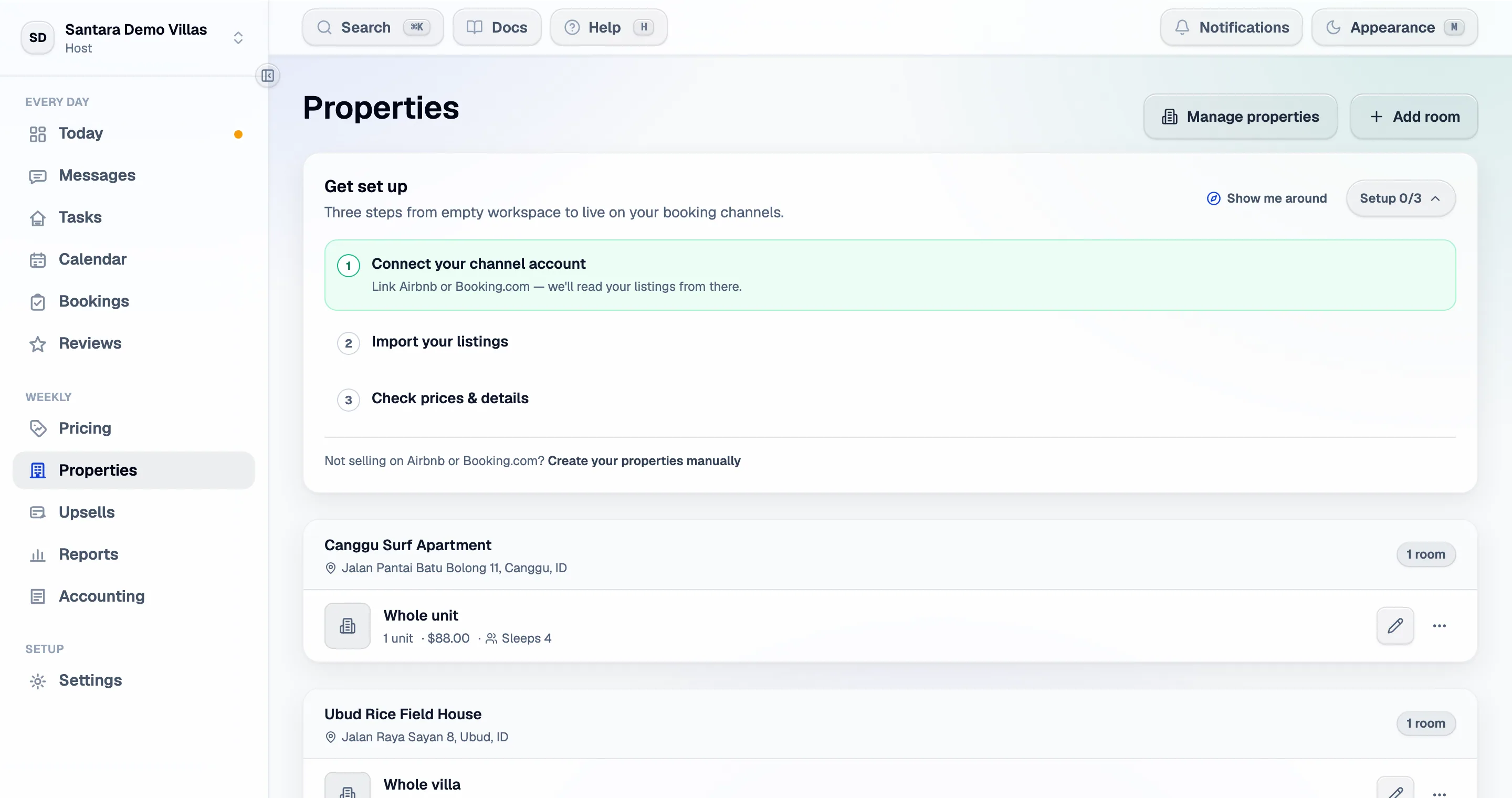
Creating one by hand
Section titled “Creating one by hand”You do not need a channel. Properties → Add property, fill in the basics, then add its first room — the room is what guests actually book, so a property with none cannot sell.
This is the right path if you take only direct bookings, or if you want to set everything up before connecting a channel.
Imported properties
Section titled “Imported properties”A property created from an imported listing arrives filled in from the channel: title, description, photos, amenities, capacity and rates. Channels do not hold everything, so check these two after any import:
- The nightly price — a room with no price cannot sell.
- How many guests it sleeps — this drives extra-guest pricing and what Booking.com accepts.
What lives on the property
Section titled “What lives on the property”The address, the description, house rules, photos of the building, the cleaning cluster, and the connected listings.
What lives on the room
Section titled “What lives on the room”- Price and rate plans — see Smart pricing.
- Capacity — how many guests, and the extra-guest price.
- Unit count — how many identical units this room represents. One apartment is 1. This is a hard cap on availability, everywhere.
- Photos of that exact room.
- Amenities and the room’s own description.
- Channel mappings.
Stay information: wifi, door codes, access
Section titled “Stay information: wifi, door codes, access”These exist at both levels. Set them on the property and every room inherits; set them on a room and that room wins. Leave a room’s value empty to inherit.
| Field | Where it is used |
|---|---|
| Wifi name and password | Arrival messages, booking site, guest replies, guest guidebook (the password only to a verified guest) |
| Door code / lockbox | Arrival messages; the guest guidebook, only to a guest who has confirmed their booking |
| Access notes | Arrival messages; the guest guidebook, only to a verified guest |
| Check-in and check-out times | Everywhere, including cleaning timing |
Why filling these in matters
Section titled “Why filling these in matters”The AI parts of the product are only as specific as the property behind them. A property with no check-in time, no wifi and no address produces vague guest drafts and weak upsell timing. The properties screen flags context gaps for exactly this reason — it is a list of the facts that, if filled in, make everything else sharper.
Syncing from the channel
Section titled “Syncing from the channel”Sync data on a property pulls the latest reservations, calendar, messages and listing details. Where the channel holds a value, it replaces the property’s. Use it after editing a listing on the channel; do not use it right after editing something here that the channel also knows.
Moving, duplicating and deleting
Section titled “Moving, duplicating and deleting”- Move a room to another property — only possible while it is not mapped to a channel.
- Duplicate a room — copies its basics, occupancy, detail and manual rate plans as “(copy)”. The copy is linked to no channel until you map it.
- Delete a room — its rate plans, availability and photos go. Past reservations and reviews are kept but detached.
- Delete a property — refused while channel listings are still connected. Disconnect them first, so they are cleaned up on the channel side too.
For AI tools: this page as markdown · llms.txt · llms-full.txt