

Notifications
Manage and process push notifications and important events instantly.
The Notifications system on Santara AI Mobile ensures you never miss any important events.
1. Identifying Notifications
Section titled “1. Identifying Notifications”You can always see the Bell icon prominently displayed on the app’s Header on almost every screen.
- When there is a new notification, the bell will be accompanied by a red number indicating the number of unread notifications.
- If you have too many unprocessed notifications, the system will automatically shorten it and display “99+” to avoid cluttering the interface.
2. Notification Center
Section titled “2. Notification Center”Tap the bell icon to open the Notification Center Modal. Here, you can view all the latest system alerts sorted chronologically.
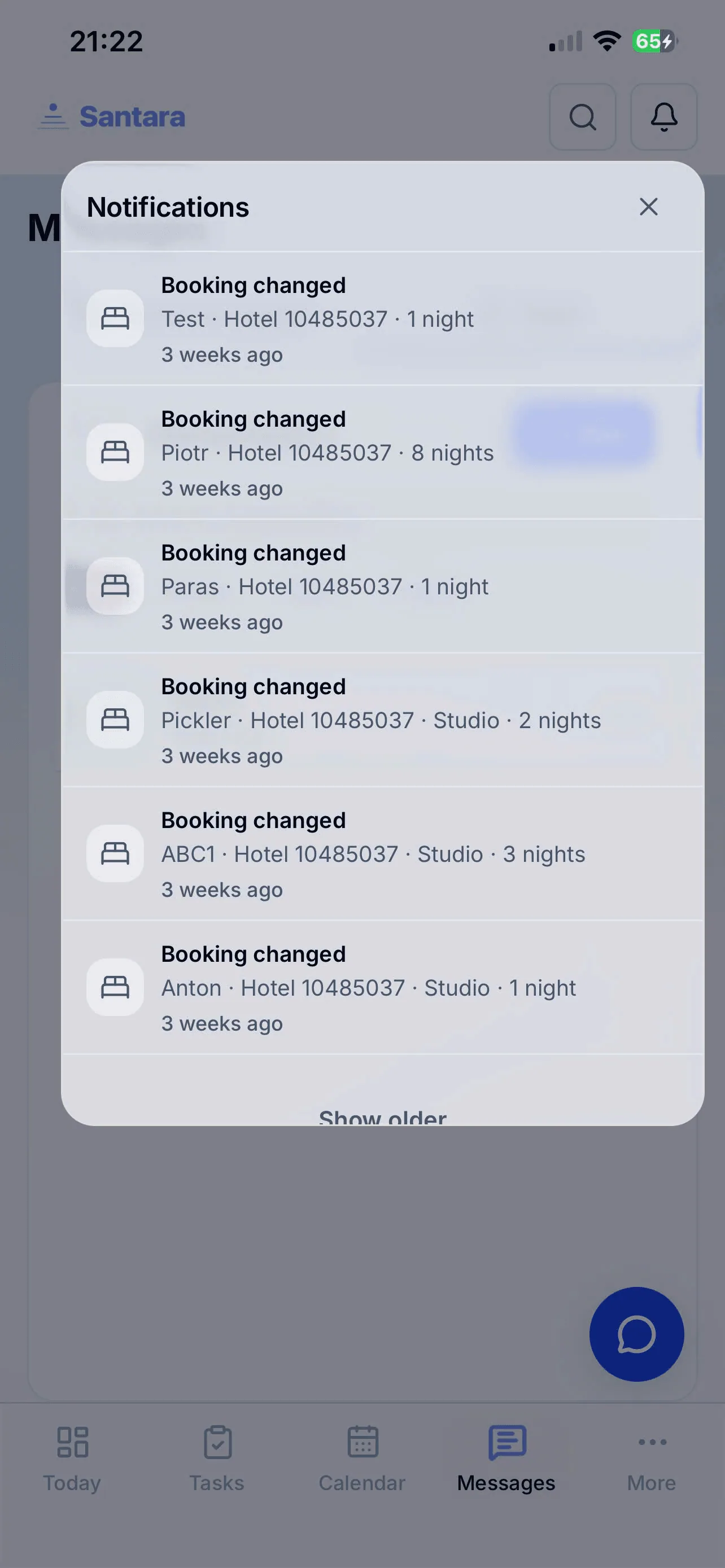
Processing Notifications
Section titled “Processing Notifications”Notifications are not just static text. Santara AI supports direct Deep Linking. This means that when you tap a notification (e.g., “VIP guest just booked a new room” or “Urgent maintenance ticket”), the system will jump you straight to the details screen of that booking, or open the corresponding chat flow, saving maximum taps and swipes.
For AI tools: this page as markdown · llms.txt · llms-full.txt